


Augmented Reality (AR) is revolutionizing how users interact with digital content, seamlessly blending virtual elements into the real world. From gaming and e-commerce to healthcare and education, AR is rapidly transforming industries by enhancing user experiences and bridging the gap between digital and physical spaces.
However, designing for AR interfaces presents a unique set of challenges. Unlike traditional UI/UX, AR requires designers to consider real-world environments, spatial interactions, and intuitive user engagement. An effective AR interface must be seamless, immersive, and user-friendly while avoiding cognitive overload.
In this blog, we’ll explore key principles, best practices, and challenges of AR interface design, helping designers create compelling and functional AR experiences.
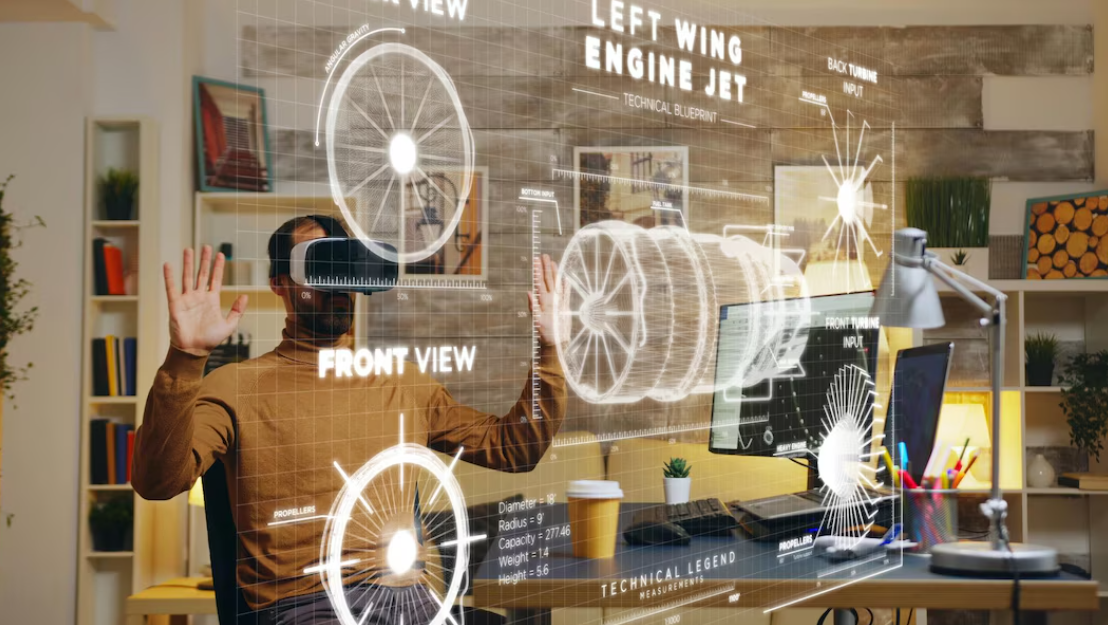
Image Credits - Vecteezy
Understanding AR Interfaces
AR interfaces overlay digital content onto a real-world environment, allowing users to interact with virtual objects in a natural way. Unlike Virtual Reality (VR), which immerses users in a fully digital world, AR enhances the real world by adding interactive digital elements.
Common types of AR interfaces include:
- Marker-based AR – Uses physical markers (e.g., QR codes) to trigger AR content.
- Markerless AR – Detects surfaces in the environment without markers (e.g., Pokémon GO).
- Projection-based AR – Uses light projections to display AR content on real-world surfaces.
- Wearable AR – Involves AR headsets or smart glasses for a hands-free experience (e.g., Microsoft HoloLens).
Each type of AR interface requires unique design considerations, but they all share one common goal: enhancing user interaction in an intuitive and engaging way.
Key Principles of AR Interface Design
1. Prioritize Usability and Intuitiveness
AR interactions should feel as natural as possible. Users should not have to struggle to understand how to interact with AR elements. This means:
- Using familiar gestures like tapping, swiping, or pinching to zoom.
- Providing visual or audio cues to guide users in their interactions.
- Designing AR elements that respond to natural movements rather than complex controls.
2. Keep the Interface Uncluttered
AR exists in a three-dimensional space, meaning users interact with both digital and physical objects simultaneously. Cluttered interfaces can overwhelm users, making interactions frustrating.
Best practices for a clean AR interface:
- Limit on-screen elements to avoid information overload.
- Use transparent overlays instead of solid UI components.
- Allow AR objects to blend naturally with the real world while maintaining clarity.
3. Ensure Spatial Awareness and Depth Perception
Since AR operates in the real world, designers must consider how digital elements integrate into physical spaces. Poorly placed objects can break immersion and make interactions frustrating.
- Design AR objects to scale realistically based on real-world dimensions.
- Use shadows, lighting, and occlusion to enhance depth perception.
- Place UI elements where they don’t obstruct the user’s field of view.
4. Design for Different Environments and Lighting Conditions
AR applications must function in various real-world conditions, from bright outdoor settings to dimly lit indoor spaces. Environmental factors affect visibility, accuracy, and usability.
To optimize AR for different conditions:
- Use high-contrast UI elements that remain visible in any lighting.
- Ensure AR markers or objects are detectable in varying backgrounds.
- Avoid relying on small, intricate details that might blur in low lighting.
5. Focus on Accessibility and User Comfort
AR should be inclusive and accessible to all users. Poorly designed AR interfaces can lead to motion sickness, discomfort, or fatigue.
Accessibility considerations for AR:
- Minimize rapid or unpredictable movements that can cause nausea.
- Provide multiple input options (voice commands, hand gestures, touch).
- Ensure content is readable and clear for users with visual impairments.
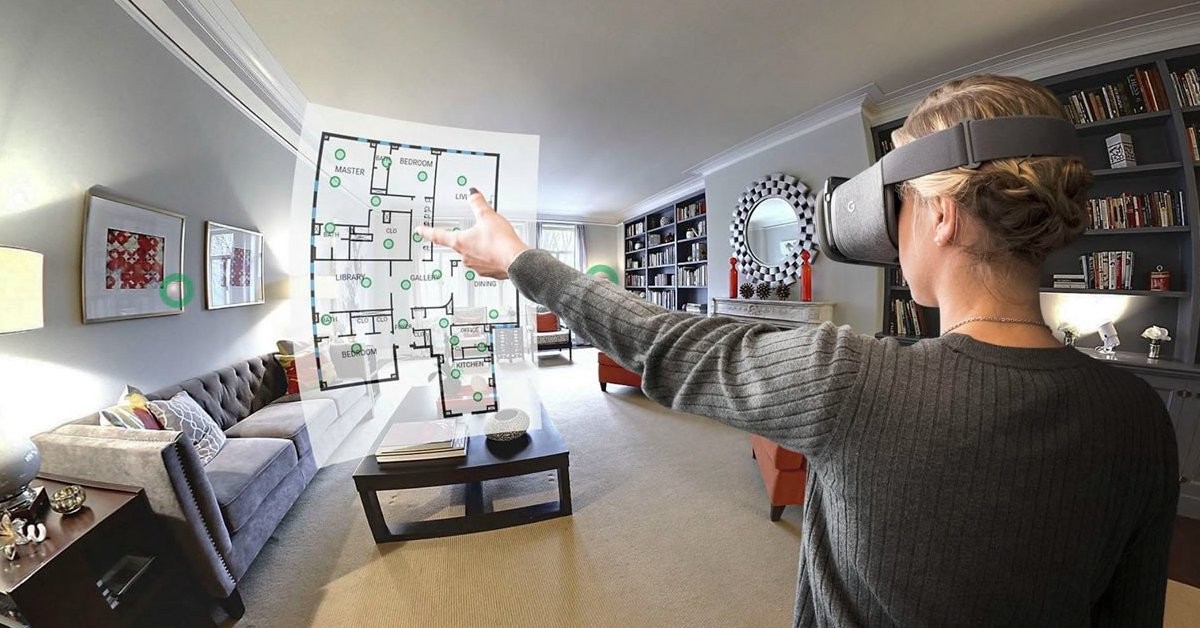
Image Credits - assetScan
What you'll learn:
- Learn from industry experts and master practitioners.
- Engage in hands-on, project-based learning experiences.
- Connect with a vibrant community of creatives and professionals.
- Receive a certificate to boost your portfolio and credentials.
Best Practices for AR UI/UX Design
1. Use Context-Aware UI Elements
Unlike traditional 2D interfaces, AR elements should respond dynamically to the user’s surroundings. A static UI in an AR space feels unnatural.
- Design UI components that adjust based on the user’s perspective.
- Use AR overlays that interact with real-world objects dynamically.
- Ensure UI components are anchored properly to avoid floating unpredictably.
2. Guide Users with Visual and Audio Cues
Since AR introduces new ways of interacting, users may need guidance to understand how to use the interface.
- Use subtle animations or highlights to indicate interactive elements.
- Provide voice or text prompts to assist first-time users.
- Implement haptic feedback (vibrations) for enhanced interaction.
3. Optimize for Hands-Free Interaction
Many AR applications require gesture-based or voice interactions, especially in wearable AR experiences.
- Allow users to navigate using natural hand movements.
- Integrate voice commands for a hands-free experience.
- Ensure the UI is ergonomically designed for prolonged use.
4. Maintain Performance and Battery Efficiency
AR applications consume significant processing power, which can lead to performance issues or battery drain.
- Optimize AR assets to load quickly without lag.
- Use lightweight graphics and efficient animations.
- Ensure smooth rendering to prevent frame rate drops and overheating.
5. Test in Real-World Scenarios
Since AR operates in dynamic environments, extensive real-world testing is crucial.
- Test in different lighting conditions to ensure visibility.
- Observe how users interact in various settings (indoors, outdoors, moving vehicles).
- Gather feedback and iterate to improve usability.
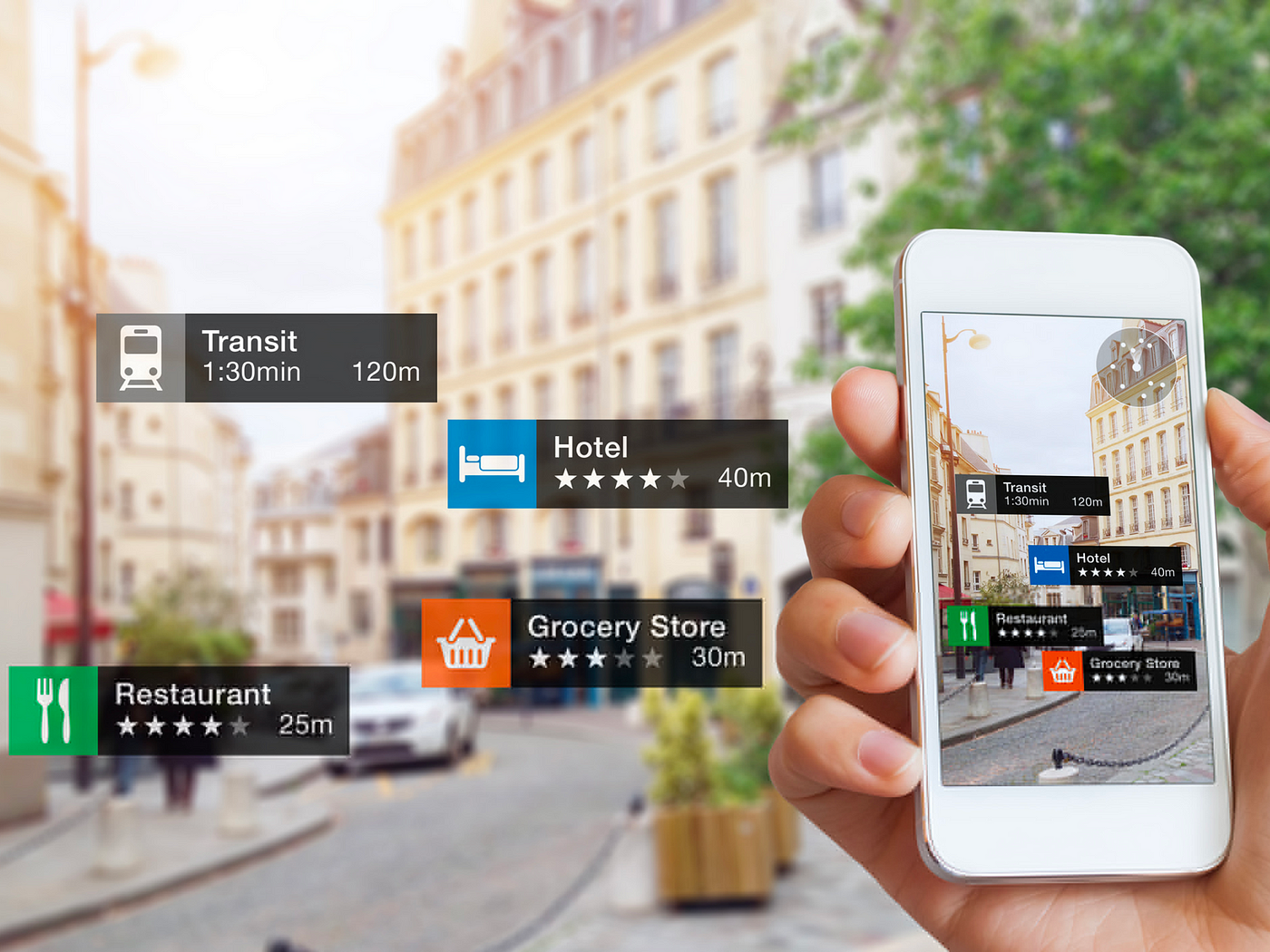
Image Credits - Freepik
Challenges in AR Interface Design
Despite its potential, AR design comes with several challenges:
1. User Learning Curve – Since AR is still evolving, some users may struggle to adapt to new interaction models.
2. Hardware Limitations – Not all devices support high-quality AR experiences, leading to inconsistent performance.
3. Privacy and Security Risks – AR applications that use cameras or location tracking must prioritize user privacy.
4. Context Awareness – Designing AR that functions seamlessly across different real-world environments is complex.
Conclusion
Designing for AR interfaces requires a deep understanding of human perception, real-world interaction, and digital usability. By focusing on intuitiveness, spatial awareness, and accessibility, designers can create AR experiences that feel seamless and engaging.
As AR continues to advance, optimizing usability, performance, and real-world adaptability will be key to crafting innovative and immersive AR solutions. With careful design and testing, AR can unlock new possibilities in gaming, shopping, education, healthcare, and beyond.
Level up your UI/UX skills! Learn to create stunning interfaces and seamless user experiences with our Advanced UI/UX Design Course. Boost your career and design products that stand out.
Enroll today at Kaarwan for more insights!
FAQs
1. What is the biggest challenge in designing AR interfaces?
Ensuring intuitive user interaction while balancing real-world adaptability and usability is one of the biggest challenges in AR design.
2. How can AR designers improve user experience?
By focusing on simplicity, real-world interaction, accessibility, and intuitive gestures, designers can create more engaging AR experiences.
3. What are the key UI elements in AR design?
Key elements include context-aware overlays, spatially anchored UI components, and interactive digital objects that enhance real-world environments.
4. How do lighting conditions affect AR usability?
Poor lighting can impact object detection, UI visibility, and overall AR performance, making adaptive contrast and design flexibility essential.
5. What industries benefit the most from AR interface design?
AR is transforming industries like gaming, retail, healthcare, education, and real estate by enhancing digital interactions in real-world settings.




